
How to get the InChI and InChIKey of a molecule
Tutorial · macOS and Windows
The InChI is IUPAC's standard text identifier for a chemical structure, and the InChIKey is its fixed-length, 27-character hash, ideal for searching databases such as PubChem and ChemSpider. ChemPencil computes both with the official InChI library, so the identifiers match what the databases use.
Copy the InChI or InChIKey
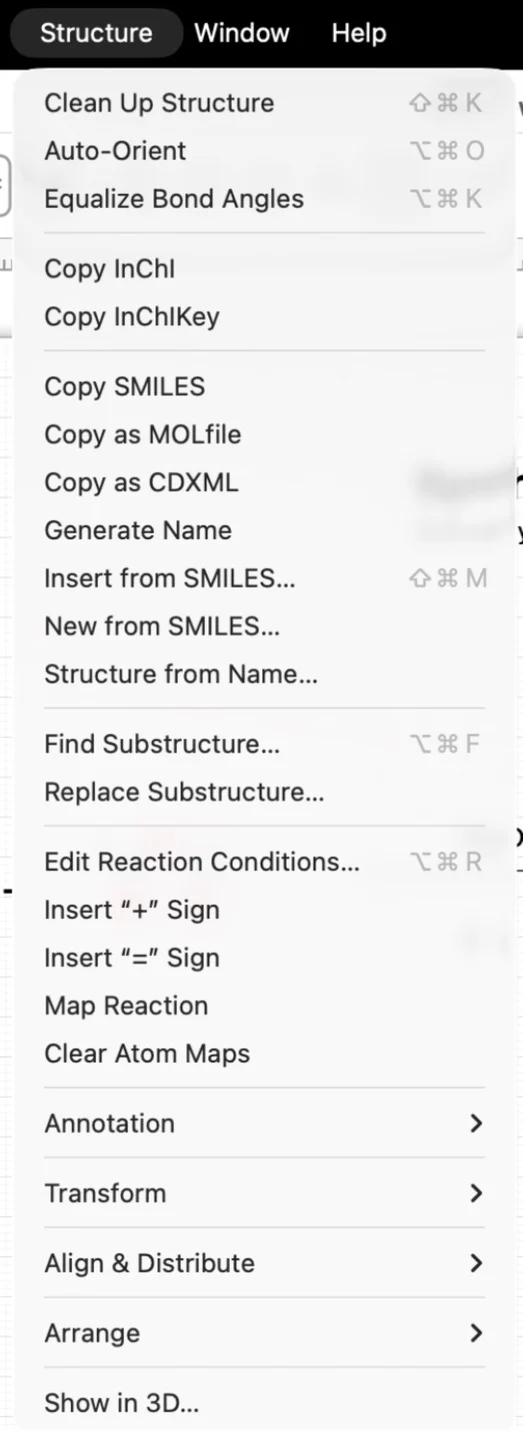
- Draw the molecule, or insert it from SMILES.
- On Mac choose or . On Windows they are in .
- Paste into your notebook, a spreadsheet or a database search box.
Example: L-alanine
For L-alanine drawn with a wedge to the amine, ChemPencil gives:
The /t2-/m0/s1 layer and the REOHCLBHSA block of
the key encode the stereocentre. Flip the wedge to a hash and you get
D-alanine, with a different key: enantiomers are told apart. Without any
wedge the key ends in UHFFFAOYSA-N, the code for
"no stereo given".
Look the compound up
Paste the InChIKey into the search box of
PubChem.
An exact key match takes you straight to the compound page; for aspirin,
BSYNRYMUTXBXSQ-UHFFFAOYSA-N finds acetylsalicylic acid.
Try it yourself. ChemPencil runs on macOS 12 and later and on Windows 10 and 11.