
How to view a molecule in 3-D from an SDF or MOL file
Tutorial · macOS and Windows
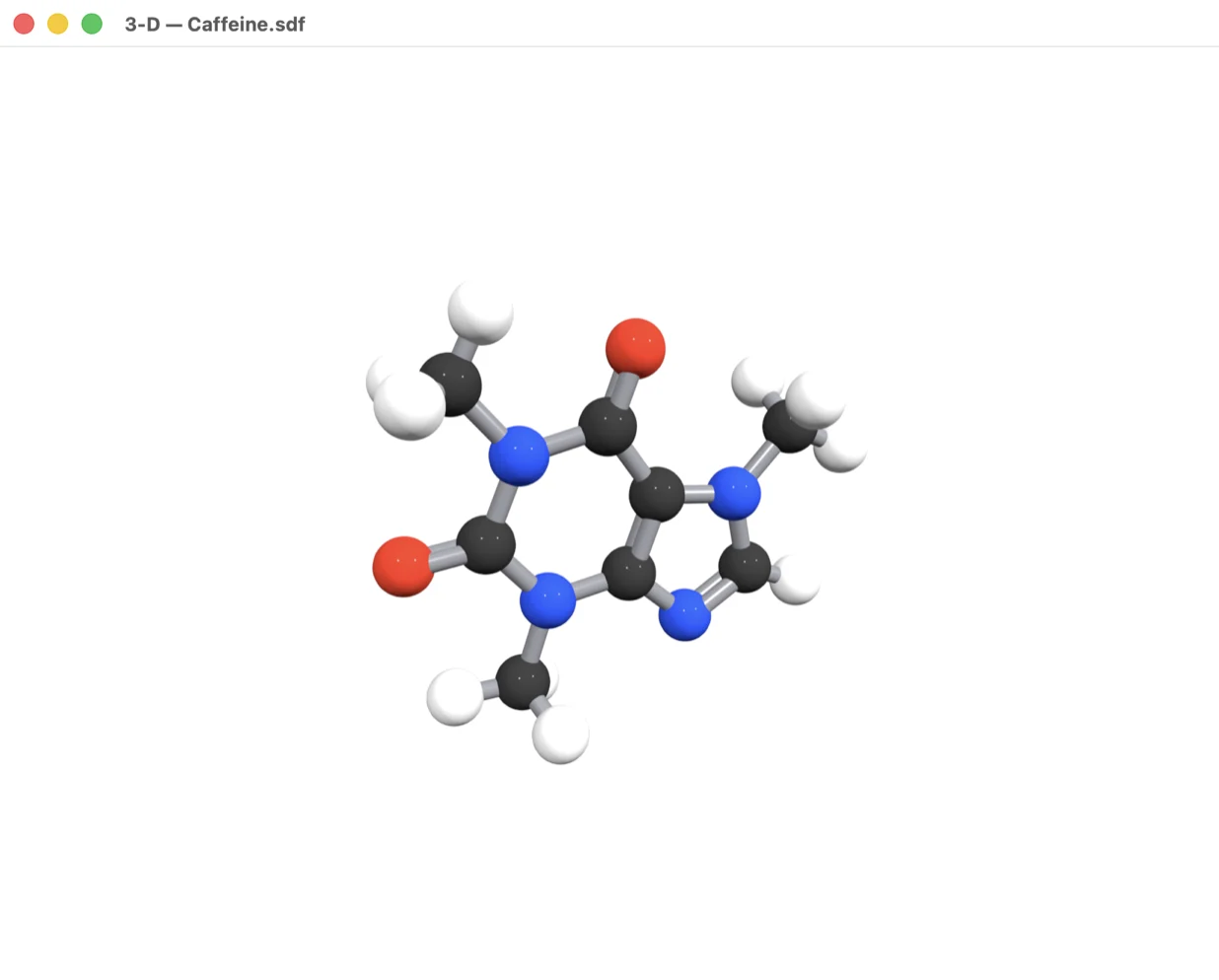
Shape matters: chair conformations, the twist of a biaryl, the pocket a drug fits into. ChemPencil opens 3-D structure files and shows them in an interactive ball-and-stick viewer.
Get a 3-D structure
3-D coordinates come from MOL and SDF files that contain them. PubChem offers a computed 3-D conformer for most compounds: on the compound page, the Download button offers the 3-D conformer as an SDF file. Files from modelling and crystallography software work too.
Show it in 3-D
- Open the
.sdfor.molfile in ChemPencil (, or double-click it on Windows). The structure appears on the canvas as a 2-D drawing. - Choose .
- Drag to rotate the molecule and scroll to zoom.
The viewer needs real 3-D coordinates. On Mac a molecule
drawn in 2-D cannot be shown; on Windows it is shown flat, and
shows the whole document with a choice of
ball-and-stick or stick style.
Try it yourself. ChemPencil runs on macOS 12 and later and on Windows 10 and 11.